
No action item left behind.
Decisions, follow-ups, and commitments from your cadence meetings flow straight into one tracker, so nothing slips through the cracks.
No credit card required. Desktop and mobile, synced through the cloud.
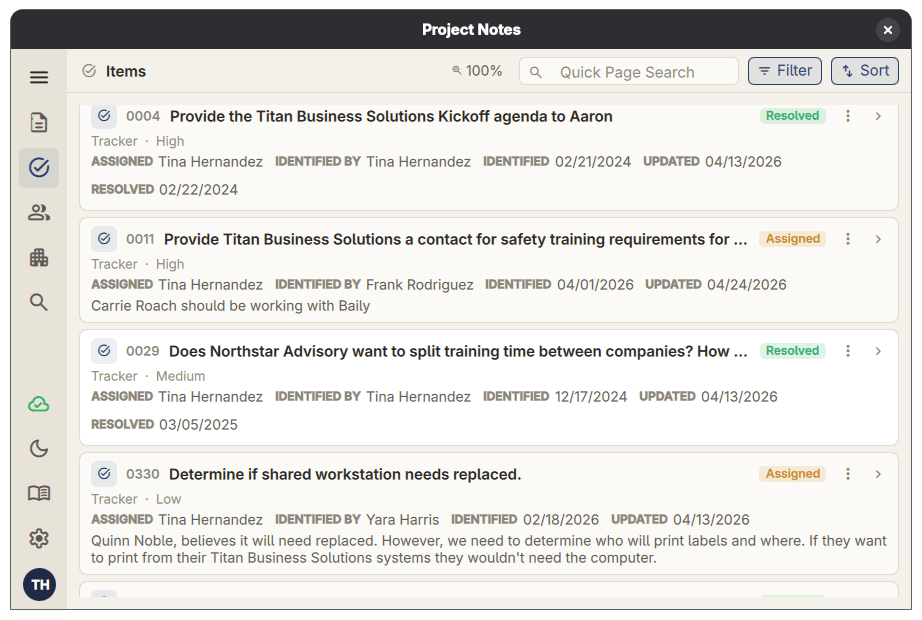
Decisions made in meetings don't disappear.
Capture the meeting
Structured templates keep every cadence meeting documented the same way.
Roll items into the tracker
Action items recorded in a meeting land in the project tracker automatically, with an owner, status, and due date.
Review at the next session
Open items from previous meetings greet you at the start of every session, so commitments stay on track.
One tool for the entire project lifecycle.
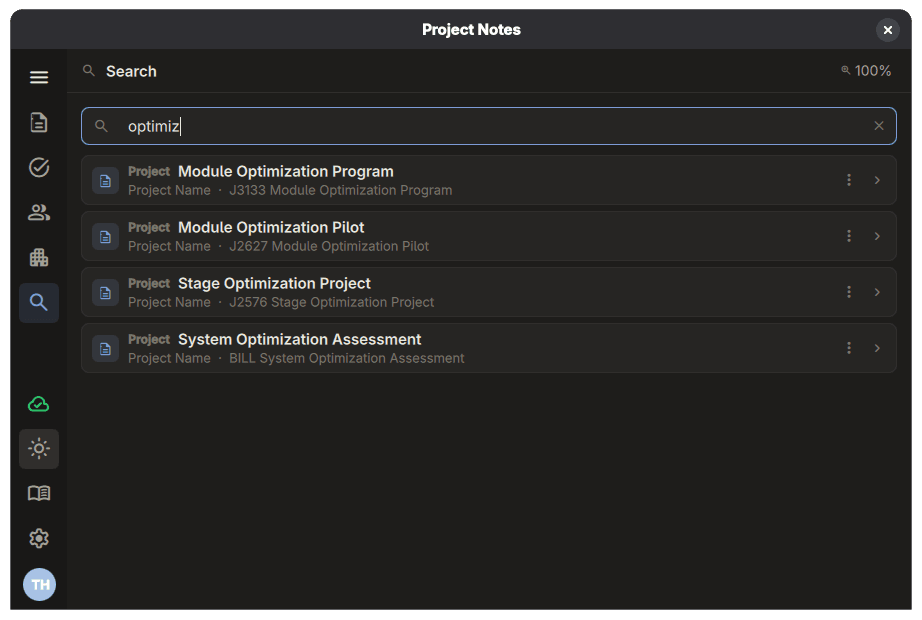
Find any note, item, or decision in seconds.
Full-text search runs across meeting notes, action items, and file records in one query. Narrow results by date, project, owner, status, or any custom field.
Follow-ups without the manual effort.
Status reports, tracker reports, and meeting notes are built from your project data. Review them, then send from your own mail app.
Stop hunting for files.
Link files and folders to your notes and action items. File Finder scans your project folders every few minutes and keeps each project's file list current.
Extend it with JavaScript.
JavaScript plugins add menus, dialogs, and automation that connect Project Notes to your internal tools. Nothing extra to install, and each plugin stays off until you approve what it can do.
Microsoft 365, built in.
Create email drafts and calendar events in your mailbox, find project files in Teams and SharePoint, and keep contacts in sync.
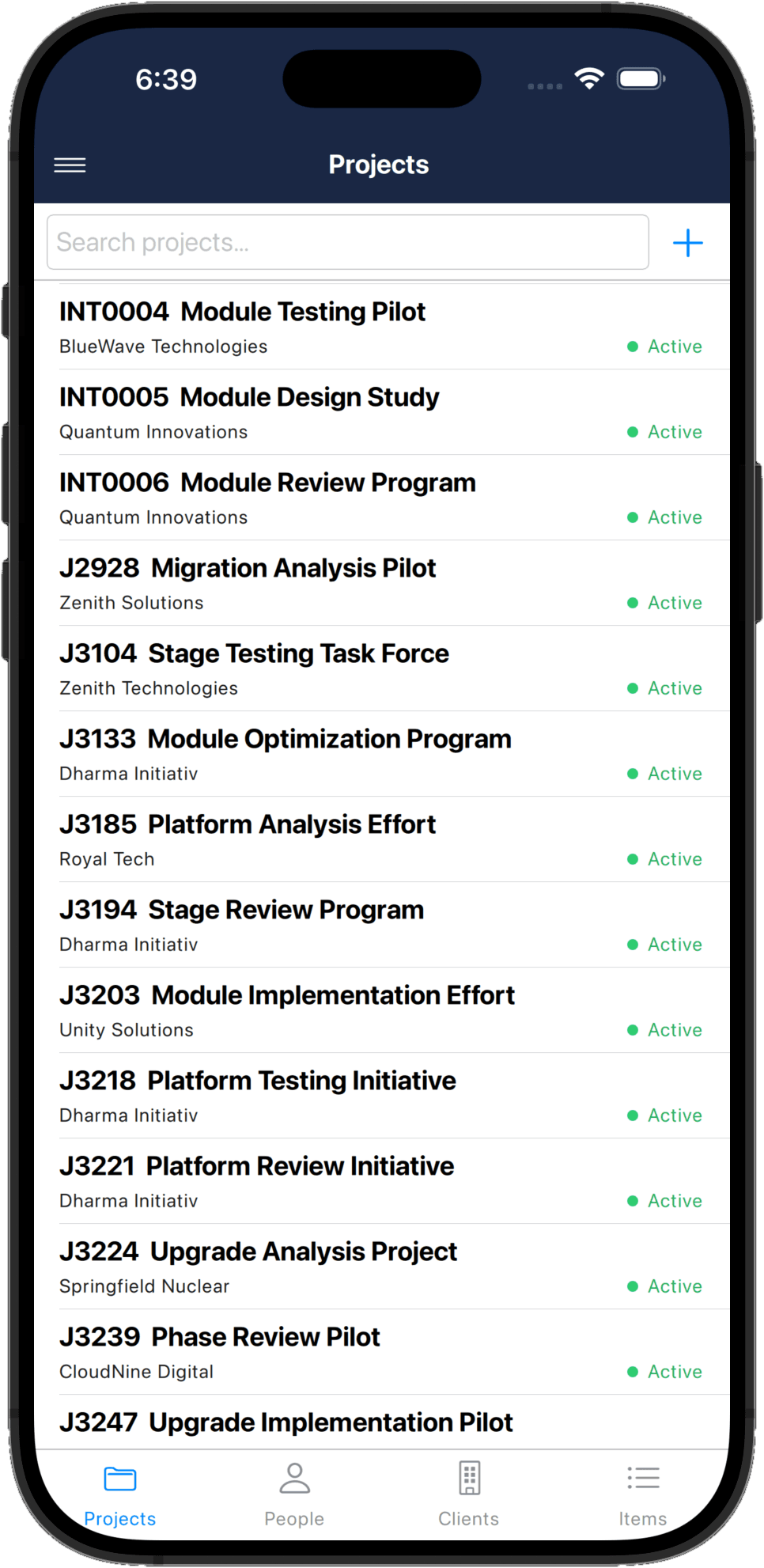
Your project information, wherever you are.
Search your database, send meeting notes to attendees, and follow up with team members from your phone. Notes you capture on the go sync back to your desktop workspace.
- Full offline mode, so you can work without internet
- Cloud sync across all of your devices
- Notes, action items, and files in your pocket
Your data stays yours.
Keep your project information together, with local access and cloud sync across your devices. Read our privacy policy for details about how we handle your data.
Read our privacy policy →Run your next meeting with a safety net.
3-month free trial. No credit card required. Then $2.99 per month.
Start 3-month free trial